90,500/mo
monthly searches
5 sections
in this template
< 2 min
to fill in
30 sec
avg AI generation time
The most important section is Action Items, not discussion notes. If you write down every action item with owner and due date, the meeting will produce results. If you do not, it will not - regardless of how detailed the rest of the notes are.
Good meeting notes have one job: make sure people know what was decided and who does what next. Most meeting note templates fail because they try to capture too much and end up as transcripts nobody reads.
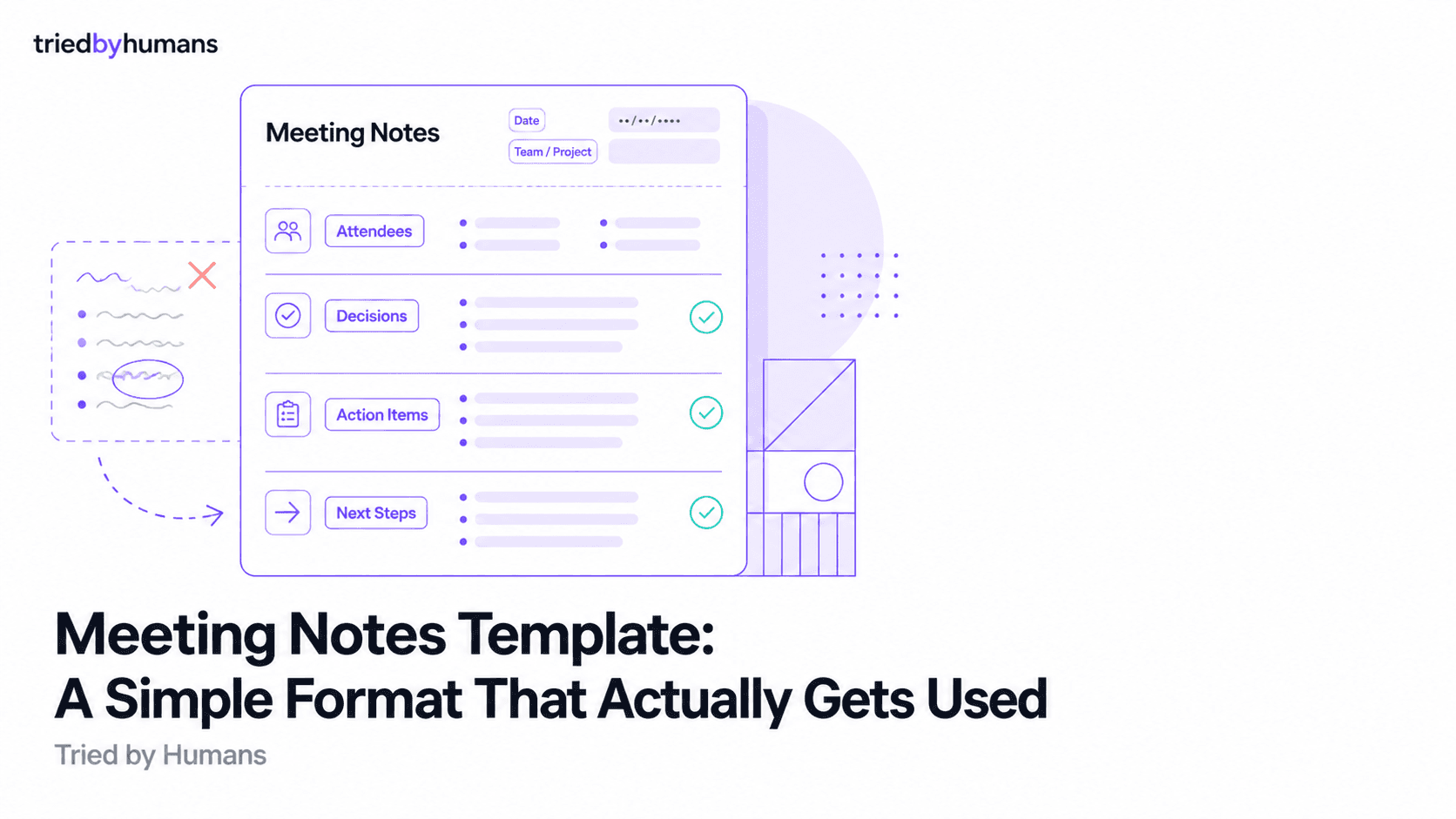
This template covers the five sections that actually matter. It works for any meeting type - team standups, client calls, project reviews, or one-on-ones. Copy it directly, adapt the sections for your context, and use it consistently.
The Template
--- MEETING NOTES ---
Date: [DATE] | Duration: [X min] | Platform: [Zoom / Google Meet / Teams / In-person]
Attendees: [Name (Role), Name (Role)]

AGENDA / PURPOSE
[One sentence: what this meeting was for]

DECISIONS MADE
- [Decision 1]
- [Decision 2]

ACTION ITEMS
- [Action item] - Owner: [Name] - Due: [Date]
- [Action item] - Owner: [Name] - Due: [Date]

KEY DISCUSSION POINTS
- [Main point discussed]
- [Main point discussed]

NEXT MEETING
Date: [DATE] | Topic: [TOPIC]
--- END ---
Why This Format Works
Decisions first, discussion second
Most templates put discussion notes at the top and action items at the bottom. That is the wrong order. People reading meeting notes after the fact want to know what was decided and what they need to do. Put those first. Save detailed discussion notes for the middle, where only people who need context will read them.
Action items need three fields
An action item without an owner is a wish. An action item without a due date is a suggestion. Every action item needs: what, who, by when. If you leave any of those blank, the item will not get done.
One line for the purpose
If you cannot summarize the meeting purpose in one sentence, the meeting probably did not have a clear purpose. Writing it down forces clarity. People arriving to the notes without attending the meeting will understand the context immediately.
Templates for Specific Meeting Types
Weekly Team Standup
Remove: Agenda/Purpose section (implicit). Keep: Actions only. Add: Blockers field. Format: bullet list per person - "Name: Done / Doing / Blocked".
Client Call / Discovery
Add: Client needs identified, objections raised, agreed next steps. Move action items to the top. Include a field for what the client was promised.
Project Review
Add: Status against timeline, risks identified, budget notes. Keep decisions and actions as the primary output.
One-on-One
Reduce to three sections: talking points covered, actions, and one field for what to follow up on at the next meeting.
How AI Tools Fill This Template Automatically
Every section in this template can be generated automatically by an AI meeting assistant. You join the meeting, the tool records and transcribes, and within five minutes of the call ending you receive a structured document with decisions, action items with owners, and a summary of what was discussed.
Fathom produces the fastest summaries - typically ready 30 seconds after the meeting ends. Free for individual Zoom users with no monthly caps.
Fireflies.ai extracts action items with assigned owners and pushes them to your project management tools or CRM automatically. Best for teams with Slack, Notion, or Salesforce workflows.
The Glance Views feature in Sembly AI lets you save custom templates for recurring meeting types. For standup, client call, or review formats you run weekly, it applies the right structure automatically.
Otter.ai provides real-time transcription during the meeting itself, so you can follow along live and review the full notes immediately after.
For a full comparison of all tools, see our guide to the best AI note takers in 2026.
AI-generated notes
Tools like Fathom and Fireflies fill this template automatically within minutes of the meeting ending. No manual writing required.
Manual template use
Best for high-stakes meetings where you want to control the output. Copy the template above into your note-taking app before the call starts.
Shared team template
Set a standard template for your team in Notion, Confluence, or Google Docs. Consistency makes notes 3x more likely to be read and acted on.
Meeting notes without assigned owners for each action item produce zero follow-through. Every action needs: what, who, by when. Non-negotiable.
Recommended tools


Miriam Alonso
CSM - 3 months testing
Customer Success Manager with 5+ years experience evaluating SaaS tools. Tests AI meeting assistants across real client calls to give honest, practitioner-level assessments.
See all my reviews →