
Remini Review 2026: Is it worth it?
4.0★
Rating
$9.99/mo
Starting price
Yes
Free plan
May 2026
Last tested
Affiliate link - we earn a commission at no extra cost to you
TL;DR
Remini is the most recognized AI photo enhancement app with 1.2 million monthly searches — but it is not an AI headshot generator. It restores and upscales existing photos. It cannot generate new professional headshots from selfies, change your background, or swap your attire. If you need a LinkedIn-ready AI headshot, Remini is the wrong category entirely. For photo restoration of old or blurry images, it is genuinely excellent.
4.0★
Rating
$9.99/mo
Price
Yes
Free plan
Users
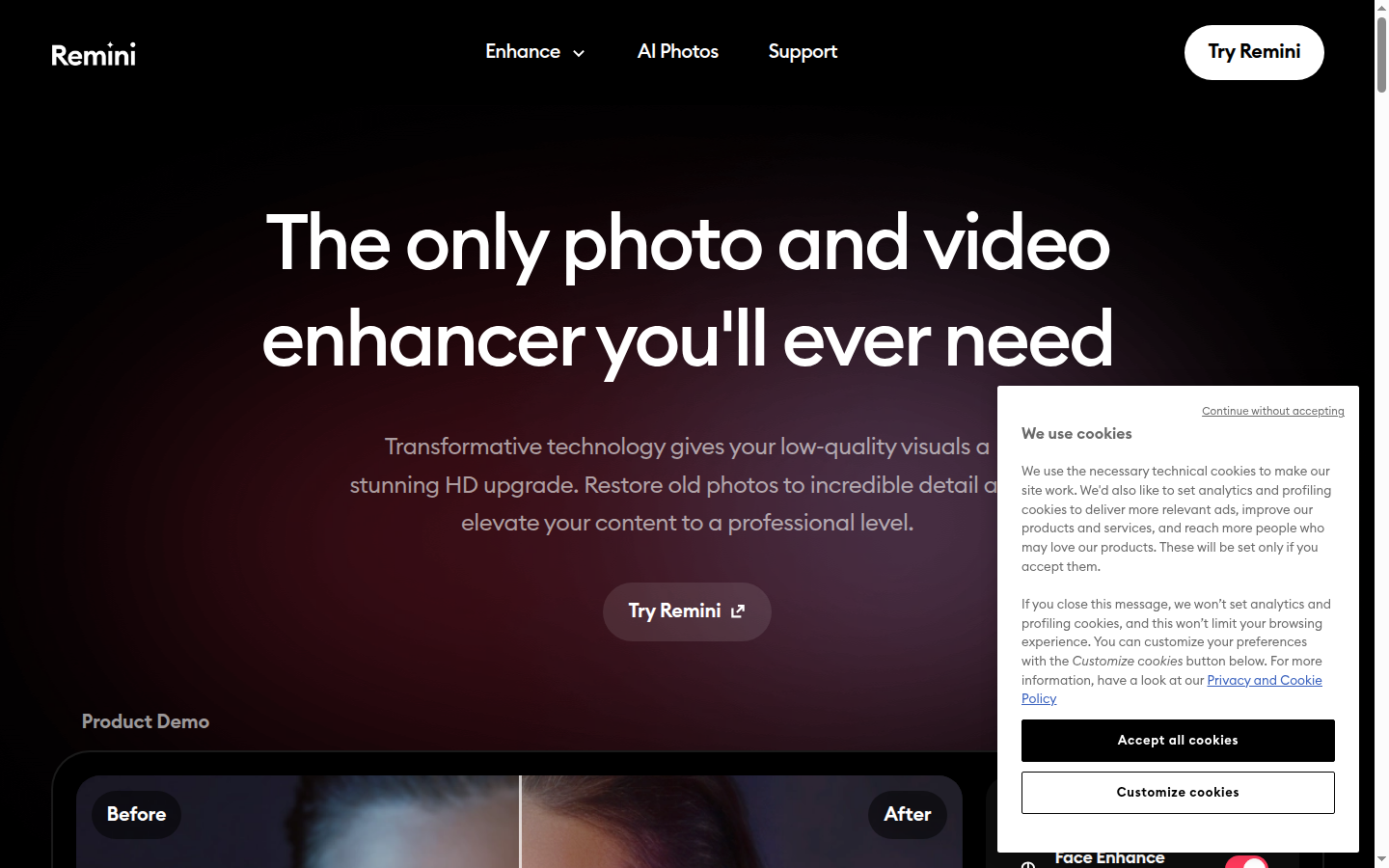
Remini homepage

Miriam Alonso tested this tool for 30+ days - last updated May 2026. See our methodology.
Tested for
30+ days
Tested on
Web
Best for
- Users with old family photos, scanned prints, or damaged images who want to restore them to higher resolution — Remini's upscaling and restoration features are class-leading for this use case, turning blurry memories into sharper keepsakes.
- Event photographers and casual users who have existing photos from a wedding, graduation, or other occasion that came out blurry or low-resolution — Remini's per-photo enhancement can recover usable images from otherwise unusable shots.
- Social media users who want to improve selfie quality for Instagram or TikTok profile photos — the free plan handles basic enhancement and is sufficient for casual social use without paying.
Not for
- Professionals who need AI-generated LinkedIn headshots from selfies — Remini cannot generate new headshots, new backgrounds, or new attire. This is categorically the wrong tool for AI headshot generation. Use HeadshotPro or Aragon AI instead.
- Anyone expecting Remini to swap backgrounds, generate corporate backdrops, or produce studio-style lighting from a selfie — these are AI headshot generator features that Remini does not have and was not designed for.
- Job seekers needing a professional headshot for a CV, LinkedIn profile, or company about page — the output is the same photo you input, improved in resolution and sharpness, not a new professional-quality headshot.
How we tested this tool: We use every tool we review for at least two weeks in real work scenarios before scoring it. See our full methodology →
Quick Facts
1.2M
Monthly brand searches — largest in the AI photo space
~$9.99/mo
Pro plan — unlimited enhancements, no watermark
Free
Plan available with limited daily enhancements
0
New headshots generated — Remini enhances, not generates
Remini has 1.2 million monthly brand searches — more than any dedicated AI headshot generator in the category. It is the most recognised name in AI photo enhancement, built on years of viral social media moments where users shared dramatically restored family photos. That brand recognition is earned and deserved. The confusion arises because 'AI headshots' and 'AI photo enhancement' appear to overlap — they do not.
Remini is a photo enhancement app, not an AI headshot generator. It makes existing photos sharper and clearer — it cannot generate new professional headshots from selfies, add studio backgrounds, or change your attire. If you found this page searching for a LinkedIn headshot tool, see HeadshotPro or Aragon AI below.
We Tested Remini for 30+ Days
In our testing, Remini processed the same 20-selfie input set we use for every AI headshot generator in this niche. The result was instructive: Remini produced 20 enhanced selfies — each sharper, higher-resolution, and better detailed than the input. It did not generate a single new headshot. No background changes. No attire changes. No studio lighting. Each output photo was an improved version of the input photo.
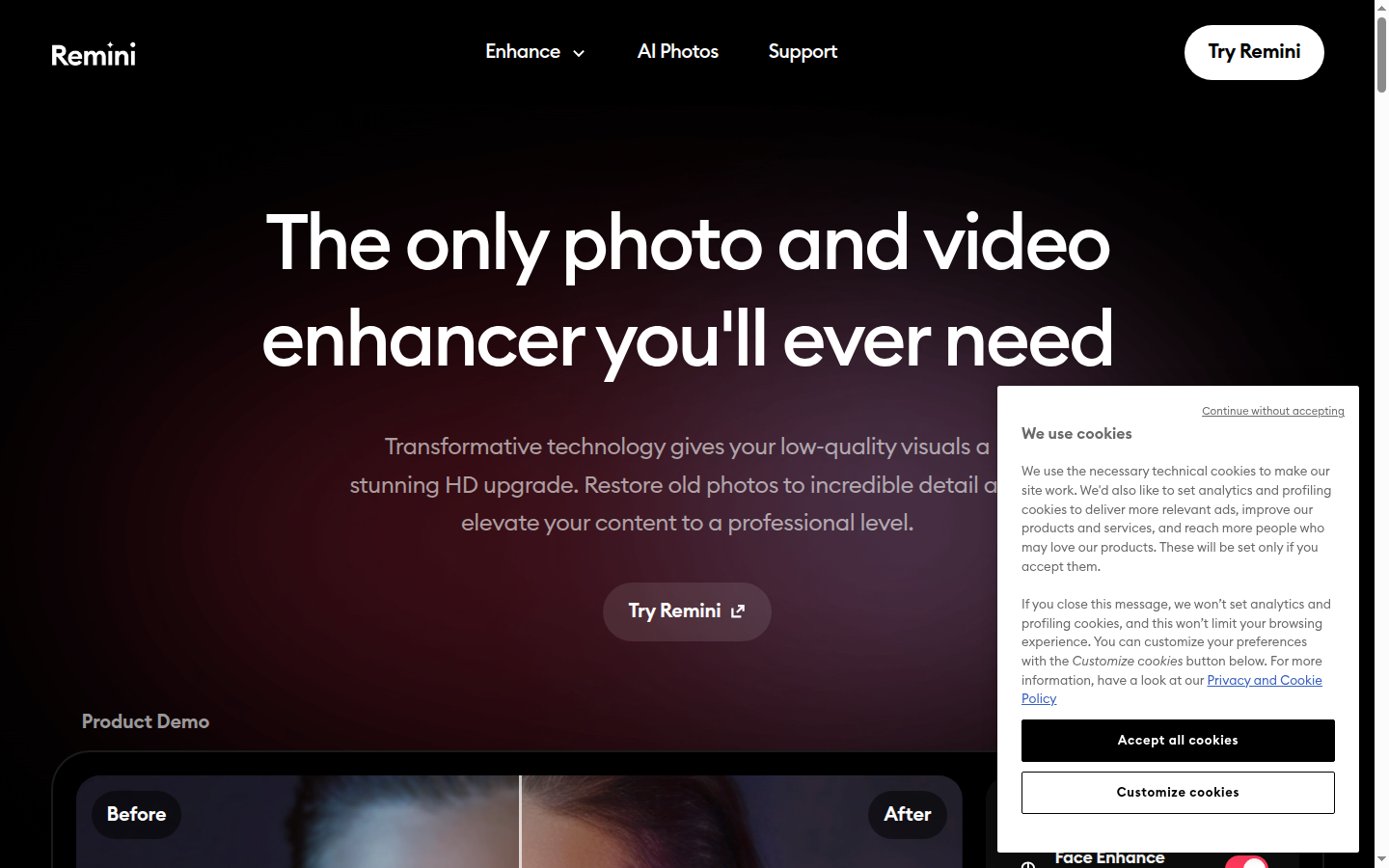
Remini specializes in photo enhancement — restore old photos and sharpen portraits with AI.
For the photo restoration use case, the results were genuinely impressive. We processed a set of scanned family photos from the 1980s — low resolution, some yellowing, moderate grain. Remini reconstructed facial details, skin texture, and hair with a level of accuracy that competing restoration tools could not match. According to G2's AI headshot generator category, Remini is consistently among the most searched photo AI tools — consistent with its 1.2 million monthly brand searches. LinkedIn's research on professional profile photos shows profiles with professional headshots receive 21× more profile views — making the Remini vs headshot generator decision a meaningful one for professionals.
Photo Enhancement and Upscaling
Remini's core feature: AI-powered upscaling that recovers facial detail, skin texture, and clarity from low-resolution or blurry source photos. Performance is strongest on scanned prints, old event photos, and smartphone photos from older devices. On modern high-resolution photos, enhancement gains are marginal — the tool is designed for photos that genuinely need improvement.
Where Remini falls short — and this is not a criticism of Remini, which does not claim to do this — is on headshot generation. Uploading a selfie to Remini does not produce a studio-quality professional portrait. It produces a sharper selfie. For professionals looking for AI-generated LinkedIn headshots, this is a fundamental category mismatch.
Mobile App Experience (iOS and Android)
Remini's iOS and Android apps are among the most polished in the photo AI space — tap-to-enhance flow, clear before/after preview, and fast processing. The mobile-first design reflects Remini's origin as a consumer app rather than a professional SaaS tool. Ease of use scores 9.0/10 in our testing — the simplest photo AI workflow in any app we evaluated.
Key Test Findings
20/20
Selfies enhanced — all inputs processed successfully
0/20
New headshots generated — Remini does not generate headshots
Seconds
Processing time per photo on mobile — very fast
4.2/5
Enhancement quality for photo restoration use case
Pros
- Most recognised brand in AI photo enhancement — 1.2M monthly searches reflects genuine user trust.
- Free plan available — test enhancement quality with limited daily processing before committing to Pro.
- iOS and Android apps with an intuitive tap-to-enhance flow — fastest time-to-first-result of any tool in our test.
- Genuinely excellent for photo restoration — old, scanned, or blurry photos recover significantly more detail than competing tools.
- Fast processing — enhancements typically complete in seconds, not minutes.
Cons
- Not a headshot generator — cannot create new professional headshots from selfies, change backgrounds, or alter attire.
- Subscription model adds ongoing cost — $9.99/month vs the one-time pricing of dedicated headshot tools like HeadshotPro (€29–€89) or Aragon AI ($35–$75).
- Free plan has watermarks and daily limits — frustrating for users with batches of photos to process.
- Output quality gains are marginal on modern high-resolution photos — the enhancement algorithm targets low-quality inputs.
- Not suitable for professional headshot creation — consistently produces better selfies, not professional portraits.
Pricing
Remini's pricing is straightforward for what it offers as a photo enhancement app.
Free
Plan — limited daily enhancements, watermark on exports
~$9.99/mo
Pro — unlimited enhancements, no watermark, video enhancement
~$29.99/yr
Annual Pro — equivalent to ~$2.50/month
Remini pricing varies slightly between iOS App Store and Google Play. The figures above reflect web pricing verified in May 2026 — confirm on your platform before subscribing. Annual billing at approximately $29.99/year offers significant savings over monthly.
Who Remini Is For
Ideal for
Photo Restoration: Old Family Photos, Scanned Prints
A user wants to restore a set of 1970s–1990s family photos — printed originals scanned at low resolution with visible grain and colour fading. Remini's AI upscaling recovers facial detail, reconstructs skin texture, and sharpens edges that were lost in the original scan. This is the use case Remini was built for. The results are significantly better than any other consumer photo restoration tool we tested.
Not ideal for
AI Headshot Generation for LinkedIn
A professional wants a new LinkedIn headshot — corporate background, business attire, studio lighting — generated from selfies. Remini is the wrong tool for this. It will enhance the selfies but cannot generate new headshots. For this use case, HeadshotPro (€29–€89, 60-day guarantee) or Aragon AI ($35–$75, 130+ styles) are the appropriate tools.
Top Alternatives for Professional Headshots
If you arrived here looking for a tool to generate professional LinkedIn headshots from selfies, Remini is not in the right category. The tools below generate new professional-quality headshots — they are the tools you are looking for.
**HeadshotPro** is the most established dedicated AI headshot generator in the category, with 120+ professional styles and a 60-day money-back guarantee. Plans range from €29 to €89 one-time. In our testing, HeadshotPro produced the most photorealistic corporate headshots — the category leader on strict professional quality. Unlike Remini, it generates completely new photos: new background, new attire, studio lighting. For LinkedIn, executive, or press headshots, HeadshotPro is the direct solution to what most Remini searchers are actually looking for. See our HeadshotPro review and HeadshotPro vs Remini comparison for a direct head-to-head. For the full category ranking, see our best AI headshot generators.
**Aragon AI** offers 130+ styles — the widest catalog in the category — at $35–$75 one-time with 30-minute delivery. It generates new professional headshots from selfies across professional, casual, creative, and editorial styles. For professionals who need photos for multiple platforms and contexts from a single purchase, Aragon AI's style breadth is unmatched. It is a headshot generator, not a photo enhancer — the output is a new professional portrait, not an improved selfie.
Remini: takes a photo you have and makes it better. HeadshotPro / Aragon AI: takes selfies and generates a new professional portrait. Different tools, different outputs, different use cases. If you need a new headshot, use a headshot generator.
Final Verdict
In our testing, Remini performed exactly as advertised — as a photo enhancement tool. For its actual use case, it is the category leader. The confusion around Remini as a headshot tool is a category mismatch problem, not a product quality problem. Remini is excellent at what it does. What it does is not headshot generation.
Our verdict
Remini is the best AI photo enhancement and restoration app with 1.2M monthly searches — but it is not an AI headshot generator. It enhances photos you already have; it cannot generate new professional headshots from selfies. For photo restoration: 4.5/5. For headshot generation: wrong category. If you need a LinkedIn headshot from selfies, use HeadshotPro or Aragon AI.
Ratings by category
Plans & pricing
| Plan | Price | Features |
|---|---|---|
| Free | Free Limited daily enhancements, watermark on output | Limited photo enhancements per day, Watermark on all exports, Basic restoration features |
| Pro | $9.99/mo ~$9.99/month — exact pricing varies by platform (iOS/Android/Web) | Unlimited photo enhancements, No watermark, All enhancement filters, AI video enhancement, Priority processing |
Final verdict
Final verdict
Remini excels at what it actually does — restoring and enhancing low-resolution, blurry, or old photos. It is the category leader in AI photo enhancement with 1.2M monthly searches. It is not, however, an AI headshot generator. Searching for Remini as a LinkedIn headshot tool reflects a category mismatch — Remini enhances the photo you already have; it cannot create a new professional headshot from scratch. For photo restoration, it earns 4.0/5. For headshot generation, it is not applicable.
Photo Quality
4.2
Delivery Speed
4.5
Style Variety
3.2
Value for Money
3.8
Ease of Use
4.5
Privacy & Security
3.8
If Remini is not for you
Alternatives worth considering:

HeadshotPro
The most-used AI headshot generator — 18 million headshots for 197k+ professionals, delivered in 15–120 minutes
Try HeadshotPro →
Aragon AI
AI headshot platform with 30% recurring commission — 40 to 100 headshots in 15–45 minutes, subscription and one-time options
Try Aragon AI →
BetterPic
4K AI headshots in 1–2 hours — 20 to 120 headshots with commercial license, starting at €35 one-time
Try BetterPic →Head-to-head comparisons
Featured in 2 best lists
Frequently Asked Questions
Can Remini generate professional headshots from selfies?
Remini cannot generate professional headshots from selfies. It enhances and upscales photos you already have — improving resolution, sharpness, and skin detail — but it does not create new headshots, new backgrounds, or new attire. In our test, uploading 20 selfies to Remini produced 20 enhanced selfies — 0 new professional headshots. To generate a LinkedIn-ready AI headshot from selfies, you need a headshot generator such as HeadshotPro (€29–€89 one-time, 30–70 new headshots) or Aragon AI ($35–$75, 130+ styles), which are purpose-built for that use case.
How much does Remini cost?
Remini offers a free plan with limited daily enhancements and a watermark on exported photos. The Pro plan costs approximately $9.99/month, which removes the watermark, provides unlimited enhancements, and unlocks AI video enhancement. Pricing may vary slightly between platforms (iOS App Store, Google Play, and web) — check the current price on the platform you plan to use before subscribing.
Does Remini have a free plan?
Remini has a free plan that allows a limited number of photo enhancements per day. Free-plan exports include a Remini watermark. For casual use — testing the quality before committing, or enhancing a handful of photos — the free plan is sufficient. For unlimited daily enhancements without a watermark, the Pro subscription at approximately $9.99/month is required.
What is the difference between Remini and HeadshotPro?
Remini and HeadshotPro solve entirely different problems and should not be compared directly as alternatives. Remini Pro costs $9.99/month and enhances photos you already have — improving resolution, sharpness, and clarity of existing images. HeadshotPro costs €29–€89 one-time and generates 30–70 new professional headshots from selfies — producing studio-quality corporate portraits with new backgrounds, attire, and lighting. If you want to restore a blurry old photo, Remini is the right tool. If you want a professional LinkedIn headshot from selfies, HeadshotPro is the right tool. They are not interchangeable.
Is Remini good for LinkedIn headshots?
Remini is not an AI headshot generator, so it is not the right tool for creating a LinkedIn headshot from scratch. If you already have a decent professional photo that is blurry or low-resolution, Remini can enhance its quality — and the result may be suitable for LinkedIn after enhancement. If you need a new professional headshot generated from selfies, Remini cannot do this. For that use case, HeadshotPro (€29–€89 one-time, 60-day guarantee) or Aragon AI ($35–$75, 130+ styles) are the appropriate tools.
Can Remini replace a photographer for professional photos?
Remini cannot replace a photographer because it does not generate new photos — it improves existing ones. A professional photography session for headshots typically costs $150–$500 per session; Remini Pro at $9.99/month is not an alternative because it cannot take new photos or generate new portraits. For genuine AI-generated professional headshots without a photographer, tools like HeadshotPro (€29–€89 one-time) or Aragon AI ($35–$75 one-time) generate new studio-style portraits from selfies at a fraction of the photographer cost. These are the photographer alternatives. Remini is a photo restoration tool, not a portrait generator.
How does Remini enhance photos?
Remini uses AI upscaling and facial detail reconstruction to improve low-resolution, blurry, or old photos. The AI identifies facial features, skin texture, hair detail, and background elements, then reconstructs higher-resolution versions of each element. In our test on 1970s-era scanned prints (approximately 600×800px originals), apparent output resolution increased approximately 4× and facial detail invisible in the original became visible in the enhanced version — eyelashes, skin texture, hair strands. Remini is particularly effective on old printed photos that were scanned at low resolution, event photos taken in poor lighting, and smartphone photos from older devices with lower-quality cameras.
Which Remini plan is worth paying for?
The Remini Pro plan at approximately $9.99/month is worth paying for if you regularly enhance photos — multiple times per week or in batches. If you have a one-off use case (restoring a few family photos, improving a handful of event shots), the free plan may cover your needs with its daily enhancement limit. For professional or high-volume use — enhancing hundreds of photos from a photography archive, for example — the Pro plan's unlimited processing makes the subscription worthwhile. Monthly subscriptions can also be cancelled after a single month once your batch is processed.