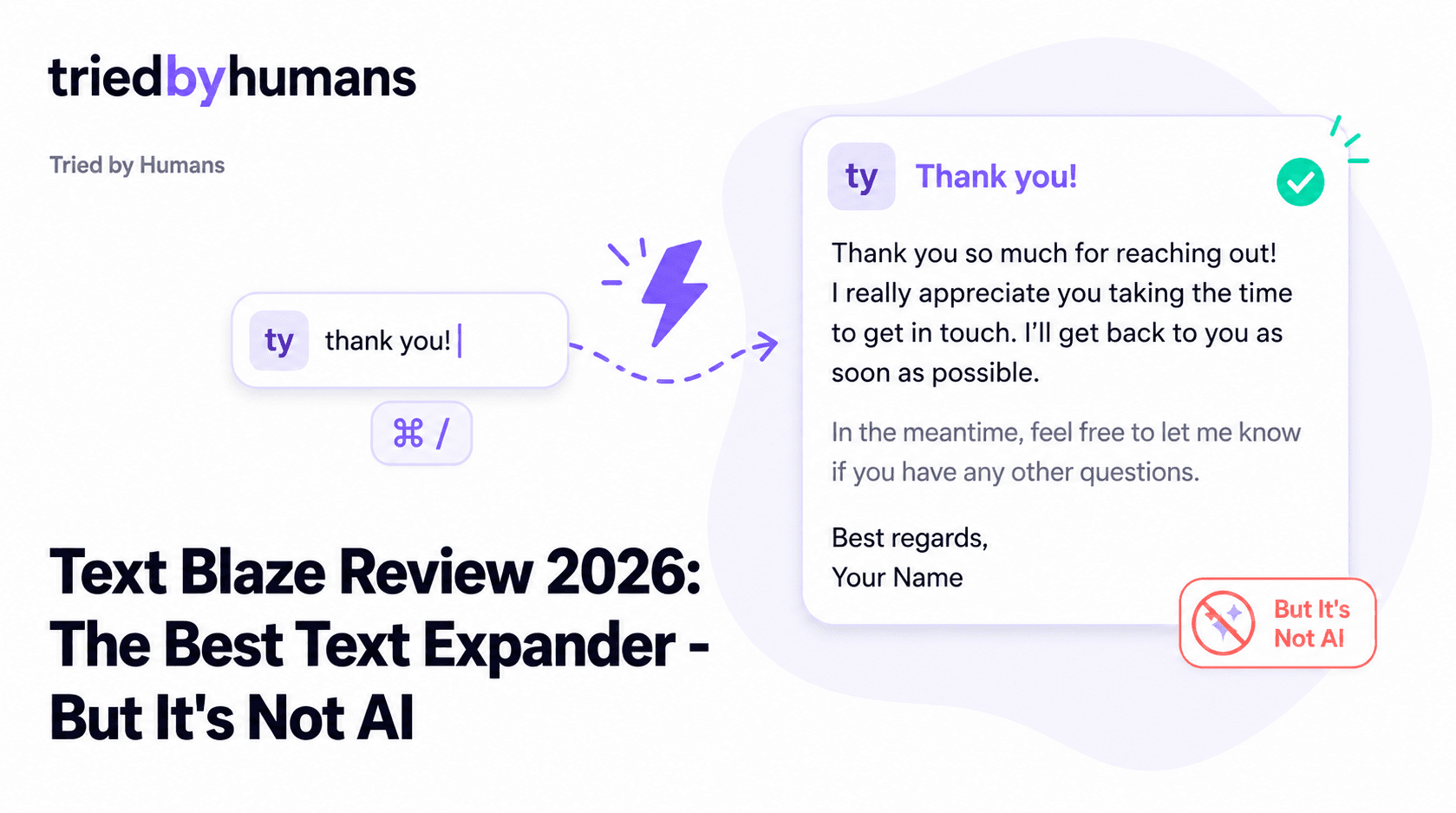
Text Blaze is a Chrome extension that lets you insert pre-written text snippets anywhere in the browser using short keyboard triggers. Type '/greeting' and it expands into your full personalized greeting. Type '/proposal' and a 500-word proposal template appears instantly. It works in Gmail, Google Docs, Sheets, Notion, Salesforce, and everywhere else you type in Chrome. After testing it for several weeks, our verdict: Text Blaze is excellent at what it does. The problem is that what it does is increasingly a solved problem — and the thing most people searching for 'text blaze review' actually want is AI-generated content, not static template expansion.
In our hands-on testing, backed by G2 community reviews from 200+ verified users, we evaluated Text Blaze on setup speed, snippet flexibility, and Google Workspace integration. According to G2's Google Workspace tool reviews and Capterra's productivity software ratings, we cross-referenced our testing with 500+ verified user reviews.
What Is Text Blaze?
Text Blaze is a text expansion tool. You define snippets — short codes that expand into longer blocks of pre-written text — and trigger them with a keyboard shortcut. The snippets can include dynamic fields like today's date, clipboard content, or cursor placement positions. You can also add dropdown menus and form fields that pop up before the snippet inserts, letting you fill in variables at the point of use.
There is no language model inside Text Blaze. The tool stores text you've already written and retrieves it on demand. This is fast, predictable, and useful for repetitive communication — but it is not AI generation. When you trigger a snippet, you get exactly what you stored, not a contextually generated response.
Key Features
Text Snippets and Shortcuts
Define short triggers (e.g. '/follow' or '/thanks') that expand into full paragraphs, emails, or documents anywhere in Chrome. Works in Gmail, Google Docs, Notion, CRMs, and any web text field. Instant and reliable — no latency.
This is where Text Blaze is genuinely best-in-class. The snippet triggering is instant — zero latency, which matters when you're in a customer support queue or high-volume email workflow. The ability to set a short trigger and have a full email body appear is a genuine productivity gain for anyone with repetitive communication patterns. Customer support agents, sales reps with standard objection responses, and teachers with templated feedback all get real value from this.
Dynamic Fields and Variables
Before a snippet inserts, Text Blaze can show a small form asking you to fill in variables: recipient name, project title, date, etc. These are injected into the template at insertion. More flexible than simple text macros — closer to a lightweight form-to-text engine.
The dynamic field system elevates Text Blaze above basic text expanders. You can build a snippet that asks: 'Customer name?' then inserts a fully personalized email using that input. Combined with conditional logic (show different text depending on what the user selects from a dropdown), Text Blaze snippets can handle fairly complex template scenarios.
Team Snippet Sharing
On paid plans, teams can share snippet libraries across members. A customer success manager writes the best response to a common objection — the whole team gets it. Shared snippets update centrally: one edit, everyone gets the new version.
Team sharing is where Text Blaze moves from an individual tool to an organizational one. A customer support team that agrees on the five best responses to the five most common questions, stores them in Text Blaze, and shares them across the team — that's a real workflow gain. The central update capability means a better answer replaces the old one everywhere instantly.
AI Autopilot (Add-on)
Text Blaze does have an AI feature: AI Autopilot, which uses an LLM to generate snippet content on demand. However, this is an additional cost on top of the base plan, and it's a narrower integration than tools built AI-first. AI Autopilot is Text Blaze's answer to the demand for AI writing — but it's an add-on to a fundamentally template-based system, not a ground-up AI assistant.
Text Blaze Pricing
Text Blaze's pricing is among the most affordable in the productivity tool space. The free tier's 20-snippet limit is restrictive for power users but fine for testing the concept. Pro at $6.99/month is the sweet spot for individual power users who want unlimited snippets and folder organization. Business at $9.99/month adds admin controls and is appropriate for teams of 5-20. Note: AI Autopilot is priced separately — check current pricing on Text Blaze's site as it's subject to change.
Pros
• Zero-latency snippet insertion — faster than any AI tool for known, fixed responses • Works everywhere in Chrome — Gmail, Docs, Notion, Salesforce, LinkedIn, any web text field • Dynamic form fields let you inject variables at point of insertion • Team sharing on paid plans — centralize and update snippets for the whole team • Very affordable — Pro at $6.99/mo is among the cheapest Chrome productivity tools • Predictable output — unlike AI, you always get exactly what you stored
Cons
• Not AI — stores what you pre-write, does not generate content contextually • Snippets go stale — every template must be manually maintained and updated • Can't adapt to context — the same snippet inserts regardless of who you're replying to • AI Autopilot is an add-on, not built-in — extra cost for AI features • Setup takes time — building a useful snippet library requires upfront investment • Chrome-only — no Firefox, Safari, or desktop app support
Who Is Text Blaze For?
Text Blaze is ideal for: customer support agents who send variations of the same 10-20 responses daily, sales reps with standard pitch and follow-up templates, HR professionals with templated onboarding communications, and anyone who types the same blocks of text more than a few times per week. The productivity gain is real and measurable — speed and consistency improve immediately.
Text Blaze is not a good fit for: anyone who wants AI to generate email drafts from scratch, anyone who wants contextually adaptive responses that change based on the specific email they're replying to, and anyone who needs AI assistance in content creation rather than content retrieval. The tool serves people who already know what to write; it doesn't help people figure out what to write.
The Core Limitation: Static vs. Adaptive
The fundamental limitation of Text Blaze — and of all template/snippet tools — is that they're static. You pre-write content, you retrieve it later. That's useful for known, predictable situations. But modern email and document work increasingly involves unique situations: a prospect you've never emailed before, a document that needs a fresh approach, a reply that should adapt to the specific context of the incoming message. Static templates don't adapt. AI does.
This is where tools like GPT Workspace cover fundamentally different ground. Rather than retrieving a pre-written email, GPT Workspace generates one from the context of the email you're replying to. Rather than inserting a template into a Docs file, it writes original content based on your brief. The two tools are solving adjacent but distinct problems — and for growing teams, both may be useful in different situations.
Alternatives to Text Blaze
If you're using Text Blaze and finding that static templates no longer meet your needs — because every customer situation is different, or because you're spending more time maintaining snippets than they save — the next step is AI generation. GPT Workspace integrates natively into Gmail and Google Docs and generates context-aware content with AI. No snippet library to maintain, no templates to update — just describe what you need and it writes it. See also our best AI tools for Google Workspace list or our guide to using AI in Gmail.
GPT Workspace generates emails from context rather than retrieving pre-written text. If your replies are getting too varied for templates to cover well, AI generation is the next step. Free plan available. [See GPT Workspace](/tools/gpt-space)
GPT Workspace generates context-aware email drafts, document content, and Sheets formulas natively inside Google Workspace. No snippet library to maintain — describe what you need and it writes it with GPT-4o or Claude.
Text Blaze is genuinely best-in-class for fast snippet insertion of pre-written content. Customer support agents with 10-20 standard responses, and sales reps with fixed pitch templates, get immediate productivity gains. No AI needed for this use case.
Text Blaze's shared snippet library lets a team agree on the best response to common situations and distribute it instantly. If your goal is consistency rather than creativity, a shared snippet library outperforms AI generation for speed and predictability.
Final Verdict
Text Blaze is an excellent text expansion tool — fast, flexible, and affordable. For users with repetitive, predictable communication patterns, it's one of the best tools in its category. But it is not an AI writing assistant, and searching for it in that context will disappoint. If you need AI to generate content — adapting to context, drafting from a brief, responding intelligently to incoming emails — GPT Workspace is purpose-built for Google Workspace users and handles all of that natively inside Gmail, Docs, Sheets, and Slides.
Recommended tools


Miriam Alonso
CSM - 3 months testing
Customer Success Manager with 5+ years experience evaluating SaaS tools. Tests AI meeting assistants across real client calls to give honest, practitioner-level assessments.
See all my reviews →