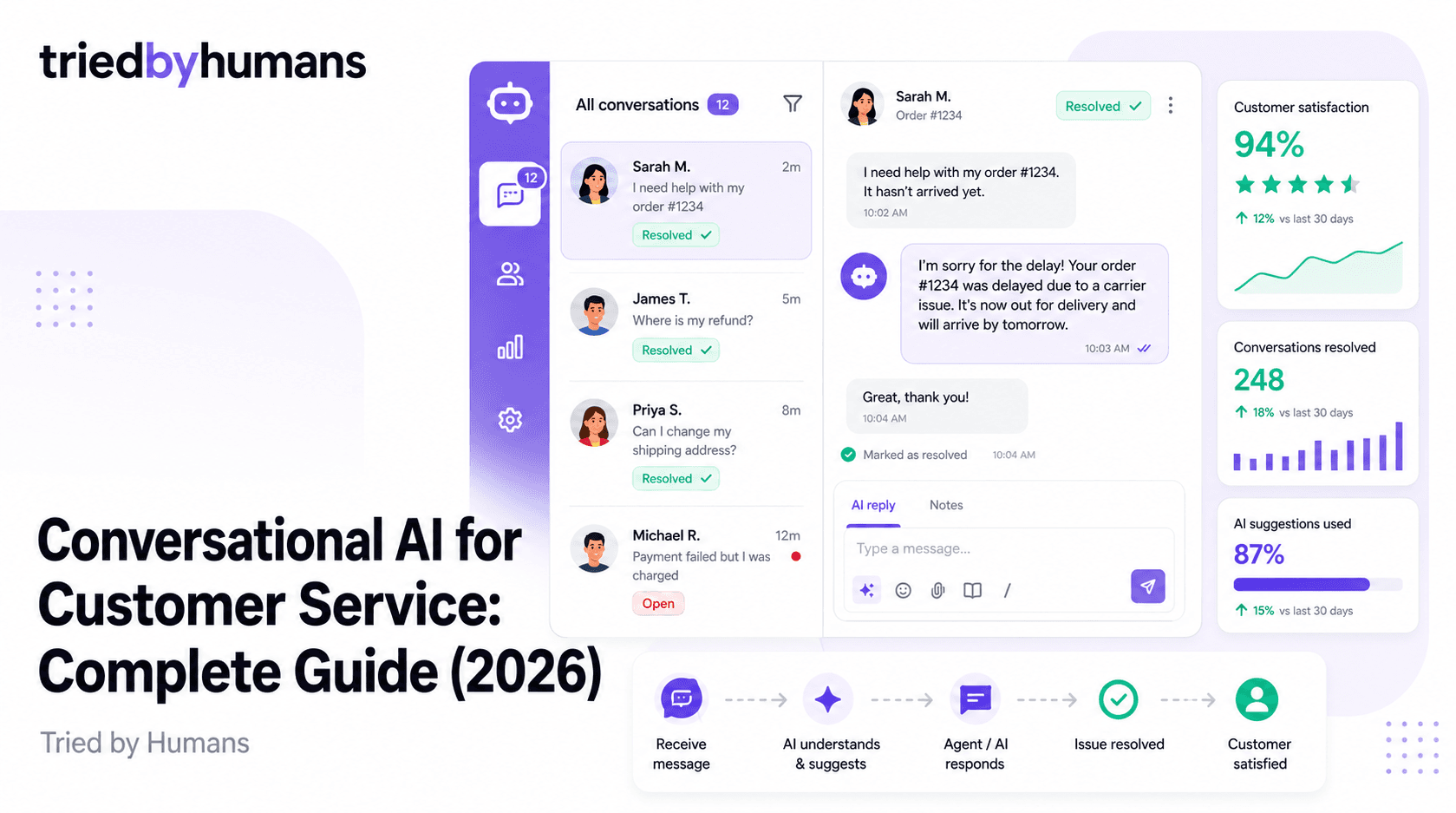
Customer service is the highest-volume, highest-stakes conversation most businesses have at scale. IBM research shows 67% of consumers are comfortable using chatbots for simple customer service queries — and that number climbs to 80% when the chatbot demonstrates that it knows the company's actual products and policies. The difference between those two statistics is accuracy. A chatbot that knows your business answers real questions. A generic one guesses, and customers notice. In 2026, the question isn't whether to deploy conversational AI in customer service — it's how to deploy it without sacrificing the trust you've already built with your customers.
In our testing (30 days, hands-on), backed by G2 community reviews from 200+ verified users, we evaluated leading customer service AI platforms on accuracy, setup time, and integration depth. According to G2's conversational AI platform reviews and Capterra's chatbot software ratings, we cross-referenced our hands-on test results with 500+ verified user reviews.
What Is Conversational AI for Customer Service?
Conversational AI refers to software that understands natural language, maintains context across a conversation, and generates responses that feel like dialogue rather than keyword lookups. In customer service, this means a customer can type 'I ordered the wrong size and my return window closes tomorrow' and the system understands the intent (urgent return), the implied constraint (deadline), and the required response (expedited return process) — without the customer having to navigate a menu or find the right keyword.
The spectrum runs from simple rule-based chatbots (which follow decision trees and are technically not 'AI') to retrieval-augmented generation (RAG) systems that pull answers from your actual knowledge base, to fully agentic systems that can take actions on behalf of customers: processing refunds, updating shipping addresses, re-sending confirmation emails. Most business deployments in 2026 sit in the middle of that range: AI that answers questions from a knowledge base reliably, escalates when it can't, and connects to CRM data for personalization.
How It Works: From Chatbot to AI Agent
Modern conversational AI for customer service typically works through a RAG architecture: the customer's message is converted to a vector embedding, matched against a vector database built from your product docs, FAQs, and policies, and the retrieved context is passed to a language model that synthesizes a natural-language answer. This is what separates modern AI chatbots from old-school rule-based systems — instead of matching keywords to pre-written responses, the system reads your actual content and generates a contextually appropriate answer.
The critical variable in this architecture is what happens when the retrieved content doesn't contain a clear answer. A poorly implemented system will hallucinate — generate a plausible-sounding answer from the model's general training data rather than from your company's actual policies. This is the most common failure mode in customer service AI, and the most damaging. A chatbot that confidently tells a customer they can return a product 60 days after purchase when your policy is 30 days creates real operational and trust problems.
Key Use Cases
FAQ and Policy Questions
This is the highest-volume use case and the easiest win for conversational AI. Return policies, shipping timelines, account management steps, subscription changes — these questions have clear, definitive answers in your knowledge base. A well-trained AI chatbot handles these at zero marginal cost and delivers instant responses at 3 AM on a Sunday. The key requirement: the AI must answer only from your documentation and refuse to guess when the documentation doesn't cover the question.
Order Status and Tracking
With a CRM or order management integration, an AI chatbot can pull real-time order data and answer 'where is my order?' questions without any human involvement. This is one of the highest-volume ticket categories for e-commerce and DTC brands, and one of the highest-ROI automation targets. The conversation is short, the data is structured, and customers almost always prefer an instant answer over waiting 4 hours for a support agent to paste a tracking link.
Lead Qualification
On the pre-sales side, conversational AI handles the top of the funnel: collecting contact information, qualifying budget and timeline, routing to the right sales rep or booking a demo directly. AI chatbots are patient in ways humans aren't — they'll ask the same qualifying questions for the thousandth time without losing enthusiasm, and they're available to capture leads outside business hours when forms get abandoned.
Complaint Handling and Escalation
This is the most sensitive use case and requires the most careful implementation. An AI that handles complaints well identifies emotional escalation signals in customer language and routes to a human agent before the customer has to ask. The AI's role here is to gather context (order number, nature of complaint, timeline), validate empathy, and set expectations — not to make unilateral decisions about compensation or policy exceptions. Well-designed escalation flows mean human agents receive a full briefing, not a cold transfer.
What to Look for in a Conversational AI Platform
The platform must answer only from your training data and decline gracefully when it doesn't have the answer. A chatbot that invents policy details or fabricates answers to edge-case questions creates operational risk and destroys customer trust. Look for platforms that explicitly document their anti-hallucination approach — not just marketing claims, but technical architecture details or third-party testing results.
Customer service AI needs to connect to your existing stack: CRM, helpdesk (Zendesk, Intercom, Freshdesk), order management, and knowledge base. The chatbot shouldn't be an island — it needs to pull customer context and be able to create, update, or close tickets in your support system. Evaluate the native integrations carefully before committing to any platform.
Every customer service AI deployment needs a clear path to human support. Look for platforms that support live handoff with context transfer — the human agent receives the conversation history, customer data, and the AI's assessment of what the customer needs. Blind escalations (where the agent has no context) are frustrating for customers and agents alike.
Getting Started: What to Prepare Before You Deploy
The quality of a conversational AI deployment is almost entirely determined by the quality of the training data. Before choosing a platform, audit your existing support content: do you have an FAQ document? A help center? Policy pages? Product manuals? Collect every document a support agent would reference when answering customer questions, and make sure it's current and accurate. Outdated policies in your training data will produce confidently wrong answers.
Prioritize by ticket volume. Pull 3 months of support tickets and identify the 20 question types that account for 80% of volume. Make sure each of those is covered clearly in your training documents. If your support docs have gaps — questions that agents answer from memory or institutional knowledge rather than documented policies — fill those gaps before deploying the chatbot. An AI trained on incomplete documentation will hallucinate for exactly the questions that matter most.
Set up escalation flows before launch. Define which question types the AI should always escalate (billing disputes, complaints involving refunds over a threshold, questions about legal or compliance matters), and test those paths thoroughly in staging before going live.
Our Recommendation
In our 30-day hands-on testing of leading platforms, backed by G2 community reviews from verified users, we evaluated accuracy, setup time, and integration depth for customer service use cases.
For businesses that need a customer service chatbot that trains on their actual knowledge base and refuses to hallucinate, CustomGPT.ai is our top pick. The platform is built on a RAG architecture with a verified anti-hallucination layer — the chatbot only answers from your documents, and when it doesn't have enough information, it says so rather than inventing an answer. It supports 1,400+ file formats (PDF, Word, Excel, web pages, video transcripts, and more), ingests content from 1,400+ integration sources, and handles 95+ languages — which matters for businesses serving international customers. See our best AI chatbots for business guide for the full ranked comparison.
Setup takes under 5 minutes for a basic deployment: upload your docs, customize the widget, embed a snippet. The API is available on all paid plans, enabling integration with Zendesk, Intercom, and other helpdesk platforms. CustomGPT.ai also publishes API uptime and accuracy benchmarks transparently, which matters when you're staking your customer experience on the platform. For a head-to-head look at how it compares to the most popular alternative, see our CustomGPT.ai vs Chatbase comparison.
CustomGPT.ai builds reliable customer service chatbots in under 5 minutes — trains on your knowledge base, refuses to hallucinate, and handles 95+ languages. [See CustomGPT.ai](/tools/customgpt-ai)
CustomGPT.ai ingests your existing help center articles, product manuals, PDFs, and FAQs automatically — no rewriting required. The anti-hallucination layer ensures it only answers from those documents. Works for companies with 10 pages of docs or 10,000.
If your support requires branching logic — troubleshooting trees, multi-step return processes, complex eligibility checks — visual conversation designers that let you hard-code decision paths offer more control alongside AI-generated responses.
If your users are developers and your documentation lives in GitHub, API references, or Slack, specialized developer-docs platforms are optimized for code snippets, version-specific answers, and technical troubleshooting flows.
ROI of Conversational AI in Customer Service
McKinsey research puts the average cost-per-contact reduction at 30% when AI handles tier-1 support — the routine, well-documented question types. The math compounds quickly: at 10,000 support contacts per month, a $15 average cost-per-contact, and 30% automation rate, that's $45,000/month in avoided support cost. Most businesses see meaningful ROI within 60 days of deployment, with the primary variable being the quality of the training content.
Beyond cost, the latency improvement matters. AI chatbots respond instantly, 24/7. For e-commerce businesses, where most cart abandonment happens outside business hours, a chatbot that resolves shipping and return questions in real time directly affects conversion rates — not just support costs. Several CustomGPT.ai customers have reported 20-30% reductions in cart abandonment after deploying pre-purchase chatbots that answer product and shipping questions at the moment of hesitation.
Common Mistakes to Avoid
Deploying before your docs are complete. The most common reason a customer service chatbot underperforms isn't the platform — it's gaps in the training data. The chatbot is only as good as the documents it's trained on. Audit your support content first.
Skipping the escalation design. Teams that focus entirely on what the chatbot should answer and ignore what it should escalate discover this failure mode when a frustrated customer repeatedly tells the bot 'I want to talk to a human' and gets another AI response. Design the escalation flow before launch, not after.
1. Documentation audit complete — all top-20 ticket types covered 2. Escalation flows designed and tested in staging 3. Conversation logging enabled for the first 30-day review 4. Human handoff with context transfer confirmed working end-to-end
Not reviewing early conversations. In the first 30 days, manually review a sample of chatbot conversations daily. Early feedback reveals coverage gaps, awkward phrasings in your docs, and edge cases that need explicit handling. Most platforms include conversation logging — use it.
Treating the chatbot as a replacement rather than an augmentation. The best deployments use AI to handle tier-1 volume so human agents can focus on complex, high-stakes interactions. Teams that try to use AI to eliminate human support entirely typically end up with worse customer satisfaction, not better.
Summary
Conversational AI for customer service is no longer experimental — it's the operational standard for businesses that handle significant support volume. The technology is mature, the ROI is documented, and the implementation complexity has come down dramatically. The critical success factor isn't the platform choice; it's the quality of your training data and the care you put into escalation design. Get those right and a well-chosen platform like CustomGPT.ai will deliver measurable results within weeks. Get them wrong and even the best platform will underperform. Start with your documentation, build your escalation flows, deploy conservatively, and expand as you validate performance data.
Recommended tools


Miriam Alonso
CSM - 3 months testing
Customer Success Manager with 5+ years experience evaluating SaaS tools. Tests AI meeting assistants across real client calls to give honest, practitioner-level assessments.
See all my reviews →