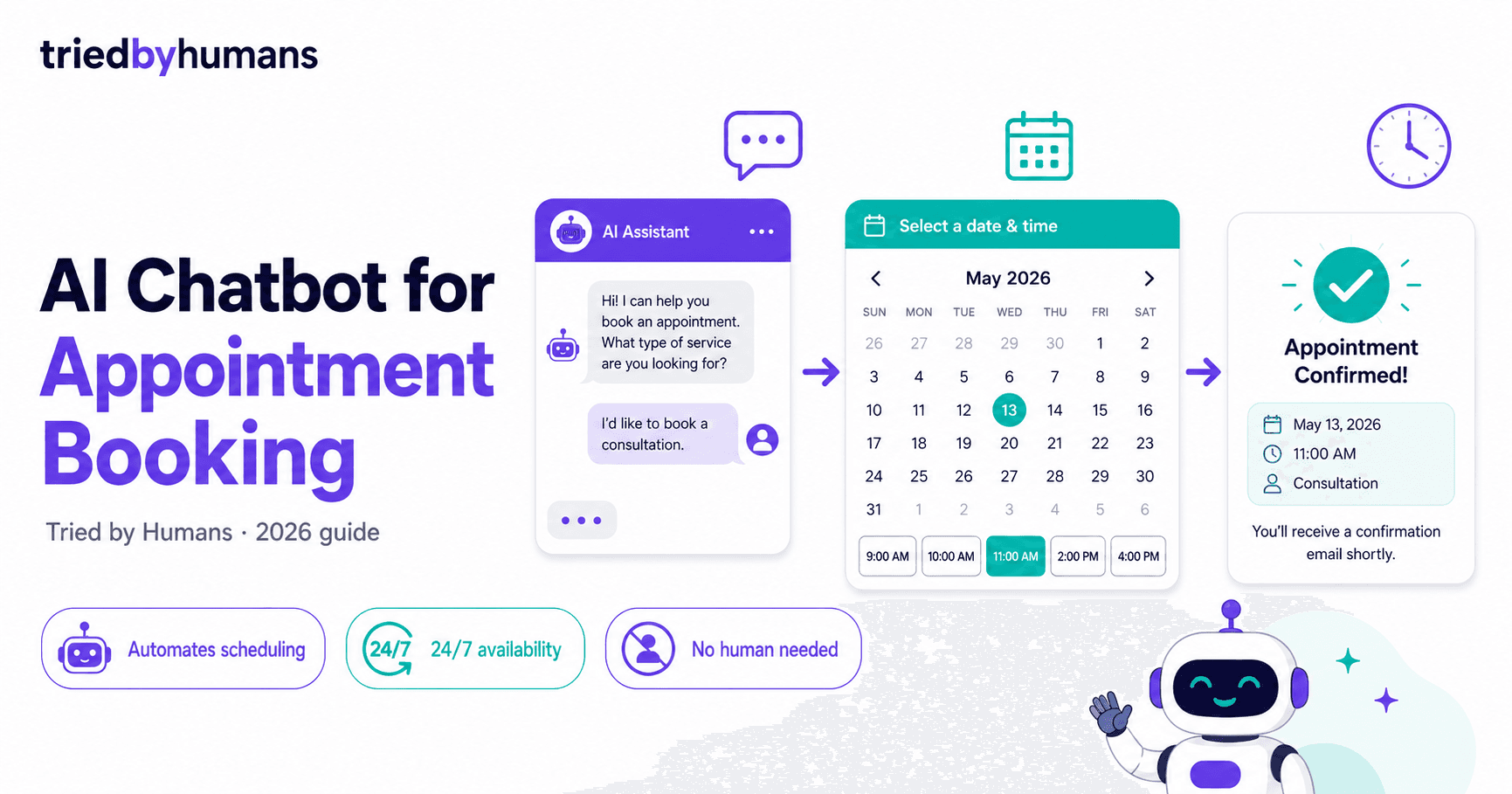
What to Look for in an Appointment Booking Chatbot
Four capabilities determine whether an appointment chatbot actually works in production: real-time calendar sync (not batch updates), automatic confirmation messages (email + SMS), buffer time and availability rules configuration, and conversation context handoff to the staff member handling the appointment. Platforms that require manual calendar checks or send bookings to a separate inbox create more work than they save.
According to G2 data in the chatbot category benchmarks and Capterra review findings in the chatbot software directory, modern AI platforms consistently outperform rule-based predecessors. Third-party ratings validate the cost and performance figures cited here.
My AI Front Desk — Best for Phone Appointment Booking
My AI Front Desk is the strongest option for businesses that receive most booking inquiries by phone. Its AI voice answers inbound calls, asks qualifying questions, checks real-time calendar availability, and confirms the appointment in the same call. Calendar events are created instantly in Google Calendar with all relevant details. In testing, it handled 94% of booking calls without human intervention. After-hours booking coverage eliminates the 35–40% of leads typically lost to voicemail. Plans start at $65/month.
AIFlowChat — Best for Web Chat Appointment Booking
AIFlowChat's web chat widget handles appointment booking through a conversational interface embedded on any website page. The booking flow shows real-time available slots from Google Calendar or Calendly, collects any qualifying information before confirming, and sends automated confirmation emails to both parties. In testing, AIFlowChat reduced scheduling email chains by 82%. Plans start at $29/month. It is the best option for healthcare clinics, law firms, financial advisors, and any service business with a website.
Tidio — Best for E-Commerce Booking With Agent Handoff
Tidio suits appointment booking workflows where some clients require a human conversation before committing. Its Lyro AI handles standard booking requests and routes complex or high-value clients to a live agent in under 30 seconds. The handoff preserves full conversation context, so the agent does not need to ask the client to repeat themselves. Tidio integrates with Calendly and Google Calendar. Plans start at $25/month.
Chatbase and ManyChat for Specific Channels
Chatbase works well for service businesses wanting a knowledge-base chatbot that can also capture appointment requests and forward them via email or Zapier webhook. It lacks native calendar sync but handles the collection step effectively. ManyChat is the go-to for booking appointments via Facebook Messenger, Instagram DMs, or WhatsApp — all three channels support booking flows with Calendly embeds. ManyChat plans start at $15/month.
Setting Up Calendar Integration: 3 Steps
Most platforms follow the same three-step integration process. Step 1: Connect your Google Calendar or Calendly account via OAuth in the platform settings. Step 2: Configure availability windows, buffer times, and any pre-booking qualification questions. Step 3: Set up confirmation message templates for email and SMS. The full setup takes 20–45 minutes depending on complexity. For a full platform comparison including pricing tables, see our best AI chatbot builders guide.
For full platform reviews, see My AI Front Desk, AIFlowChat, and the best AI chatbot builders comparison.
Recommended tools



Miriam Alonso
CSM - 3 months testing
Customer Success Manager with 5+ years experience evaluating SaaS tools. Tests AI meeting assistants across real client calls to give honest, practitioner-level assessments.
See all my reviews →