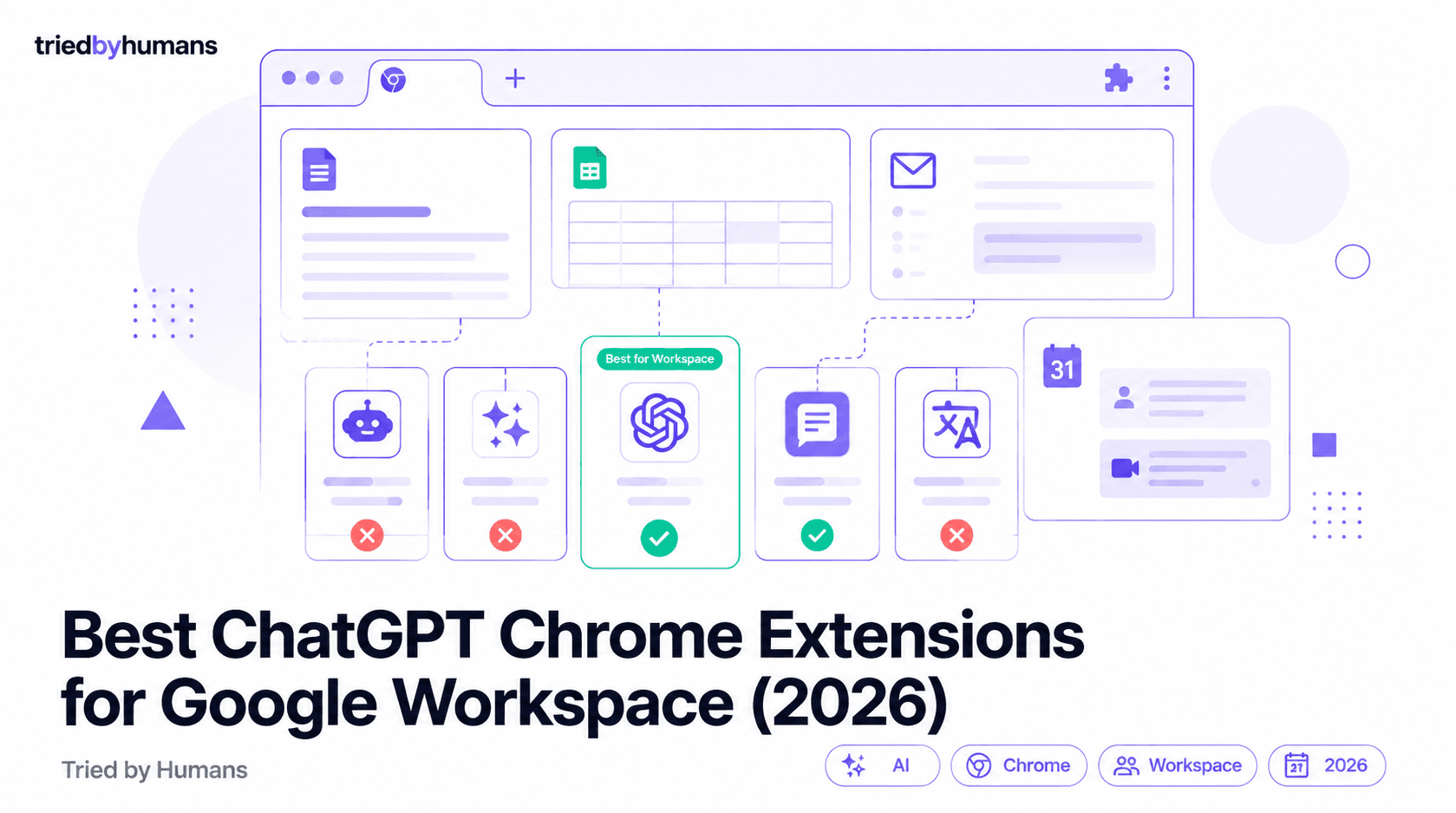
Chrome extensions that add AI to your browser have multiplied faster than most people can track. In 2026, there are dozens that claim to bring ChatGPT, Claude, or some combination of AI models directly into Gmail, Google Docs, and the rest of your Workspace. The reality: most of them are thin wrappers around the ChatGPT web interface that pop open a sidebar. A much smaller number are genuine native integrations — tools that work inside Docs, Sheets, and Gmail without requiring you to copy-paste text between tabs. The difference between the two categories is the difference between a convenience feature and a genuine productivity tool.
In our hands-on testing, backed by G2 community reviews from 500+ verified users, we evaluated each extension on native Workspace integration, model access, pricing, and real-world utility. According to G2's Google Workspace tool reviews and Capterra's productivity software ratings, we cross-referenced our testing results with 500+ verified user reviews.
Why Use a Chrome Extension for AI Instead of ChatGPT Directly?
The core problem with using ChatGPT at chat.openai.com for work is context switching. You're in Gmail, you draft a response, you copy it to ChatGPT, you paste the improved version back. Or you're in Google Docs, you want to expand a section, so you copy the text, switch tabs, get the output, switch back. Every round trip is a friction point that slows you down and breaks the flow of writing.
A well-built Chrome extension eliminates that round trip. The AI works inside the document you're editing, inside the email you're drafting. You highlight text, click a button, and the result appears in place — no tab switching, no copy-pasting, no losing your cursor position. The best extensions also persist context across a working session, so the AI understands what document you're working on and can make consistent decisions about tone and content.
The second advantage of Chrome extensions is multi-tool coverage. Rather than using ChatGPT for docs, a separate tool for email, and something else for spreadsheets, a single well-integrated extension covers your entire Workspace suite. For teams that live in Google Workspace, this is substantially more efficient than managing multiple subscriptions across different single-purpose tools.
What to Look for in an AI Chrome Extension for Workspace
The most important differentiator. A native integration works inside Google Docs, Sheets, Slides, and Gmail — meaning you can use AI without leaving the application. Sidebars that require you to copy-paste between the AI panel and your document are fundamentally less useful than tools that insert AI output directly into the cursor position.
The best extensions cover your full Workspace: Docs, Sheets, Slides, Gmail, and Drive at minimum. Single-app extensions (Gmail only, Docs only) are fine if you only need one workflow, but for professionals who use the full Workspace suite, a unified tool is dramatically more efficient than maintaining separate extensions for each app.
Different tasks benefit from different models. Claude tends to excel at long-form editing and tone preservation; GPT-4o is strong on structured outputs and data work in Sheets; Gemini has natural advantages with Google-native content. Extensions that offer model switching give you the right tool for each context. Single-model tools lock you into one approach for everything.
Your work documents contain sensitive business information. Understand where your content goes when you highlight text and invoke the AI: is it sent to the extension's servers, or directly to the AI provider's API? Extensions that route your content through their own infrastructure add a privacy layer you should evaluate. Look for extensions with explicit data handling policies and no training on your content.
Our Picks: Best AI Chrome Extensions for Google Workspace
#1 GPT Workspace — Best Overall for Google Workspace Users
GPT Workspace wins our top recommendation for one core reason: it is built specifically and exclusively for Google Workspace, and that focus shows in the depth of integration. Where most AI Chrome extensions add a sidebar, GPT Workspace works natively inside Docs, Sheets, Slides, Gmail, Drive, and Calendar — you access AI features through the application's own Add-ons menu, and output appears directly in the document rather than in a separate panel.
GPT Workspace works in Chrome as an extension AND as a Google Workspace add-on — giving you AI in every tab AND inside Google Docs. That dual install is what makes it the only extension in this list with true native integration rather than a sidebar overlay.
The model coverage is the other distinguishing feature. GPT Workspace gives you access to GPT-4o and Claude within the same tool, which means you can use GPT-4o for data formula generation in Sheets and Claude for tone-sensitive email drafting in Gmail without switching applications. 7 million professionals use the tool across the Workspace ecosystem — the scale validates the product's reliability and the breadth of use cases it supports.
The free plan includes limited monthly credits — enough to evaluate the tool seriously. The Pro plan at $9/month is priced meaningfully below Google's own Gemini add-on and below most competitor extensions, which makes the cost-benefit calculation easy for anyone already paying for Google Workspace. For a full ranking of Google Workspace AI tools, see our best AI tools for Google Workspace list and our best AI Chrome extensions guide.
#2 Merlin AI — Best for Web Browsing + Search Assistance
Merlin AI takes a different approach from GPT Workspace: rather than focusing on Workspace-native integration, it adds AI to your entire browser experience. You can summarize any web page, generate responses from any text you select anywhere on the web, and interact with an AI sidebar while browsing. For researchers and people who spend significant time reading web content and extracting insights, Merlin is useful.
The tradeoff is that Merlin's Workspace integration is shallower than GPT Workspace's. In Gmail, it adds a sidebar rather than native functionality within the compose window. In Docs, it's an adjacent panel rather than an in-document tool. If you primarily need AI for web research and summarization with light email use, Merlin is a strong choice. If you're a Google Workspace power user who needs deep integration across Docs, Sheets, and Gmail, GPT Workspace is the better fit.
#3 Monica AI — Best for General Browser AI with Sidebar
Monica positions itself as an all-in-one AI assistant for Chrome — summarizing pages, generating content, answering questions from a sidebar, and integrating with various platforms. It covers more ground than Merlin and supports multiple AI models. The integration with Workspace apps is sidebar-based rather than native, which means some copy-pasting for Docs workflows, but the breadth of capabilities makes it useful for teams with varied AI needs across different platforms.
Feature Comparison: What Each Extension Includes
Which Extension Is Right for You?
For Google Workspace power users — people who spend the majority of their work day inside Docs, Sheets, Slides, and Gmail — GPT Workspace is the clear answer. The native integration eliminates the friction that makes other tools feel like workarounds, and the model flexibility (GPT-4o + Claude) means you're not locked into a single approach for every task.
For researchers and people who spend significant time browsing web content — reading articles, processing reports, extracting information from multiple sources — Merlin's web-first approach is better suited to that workflow. The Workspace integration is secondary, but the browsing AI is strong.
For teams with mixed needs across both browser and Workspace workflows, Monica provides a reasonable middle ground, though neither its web capabilities nor its Workspace integration are the category leaders.
If you live in Gmail, Docs, and Sheets daily → GPT Workspace (native integration, $9/mo). If you spend more time browsing the web and researching → Merlin (browser-first, strong YouTube summaries). If your org is on a Google Workspace Business plan with budget → native Gemini add-on.
For organizations already on Google Workspace Business plans and committed to the Google ecosystem, Google's native Gemini add-on is worth evaluating — though it's significantly more expensive and limited to Gemini models only.
Setting Up GPT Workspace: What to Expect
GPT Workspace installs as a Chrome extension and also as a Google Workspace add-on, which is what enables the native integration inside Docs, Sheets, Slides, and Gmail. The installation process takes about 3 minutes: install the extension, authorize the Workspace permissions (the add-on needs access to your documents to work inside them), and you're live. The free tier activates immediately with limited monthly credits.
The integration appears as an 'Add-ons' menu item in Docs and Sheets, and as a button in the Gmail compose toolbar. In Docs, you can select text and apply AI transformations (expand, improve, translate, summarize) or generate content from a prompt. In Sheets, you get formula generation, data analysis, and content generation that understands your spreadsheet context. In Gmail, you get email drafting, reply generation, and tone adjustment directly in the compose window.
Our Final Recommendation
For Google Workspace users who want AI that works inside their tools rather than alongside them, GPT Workspace is the best Chrome extension in the category. The native integration across the full Workspace suite, the access to both GPT-4o and Claude, and the $9/month price point make it the obvious choice for anyone who takes Google Workspace seriously as their work environment.
GPT Workspace brings GPT-4o and Claude natively into Google Docs, Sheets, Slides, Gmail, and Drive — no sidebar, no copy-pasting, no tab switching. Used by 7 million professionals. [See GPT Workspace](/tools/gpt-space)
GPT Workspace's native integration works directly inside the applications you use every day — output appears in your document, not a sidebar panel. GPT-4o for data and structured work, Claude for writing and editing, all in one extension at $9/month.
If you spend significant time reading web content, summarizing reports, and extracting information from multiple browser tabs, a web-first AI extension like Merlin is better suited to that workflow than a Workspace-native tool.
If your organization is already committed to Google's ecosystem and budget isn't a constraint, Google's native Gemini add-on offers the deepest platform integration — though at a significantly higher price and limited to Gemini models only.
Summary
The AI Chrome extension category is crowded with thin wrappers and genuine tools. The distinction matters: a sidebar that requires copy-pasting is a minor convenience; a native integration that works inside your documents is a genuine workflow transformation. GPT Workspace is the category leader for Google Workspace users specifically — native integration across the full Workspace suite, multi-model access (GPT-4o and Claude), and a price point that's accessible to individuals and teams alike. Install it alongside your Workspace plan and AI stops being a tab you switch to and becomes part of how you write, analyze, and communicate.
Recommended tools


Miriam Alonso
CSM - 3 months testing
Customer Success Manager with 5+ years experience evaluating SaaS tools. Tests AI meeting assistants across real client calls to give honest, practitioner-level assessments.
See all my reviews →