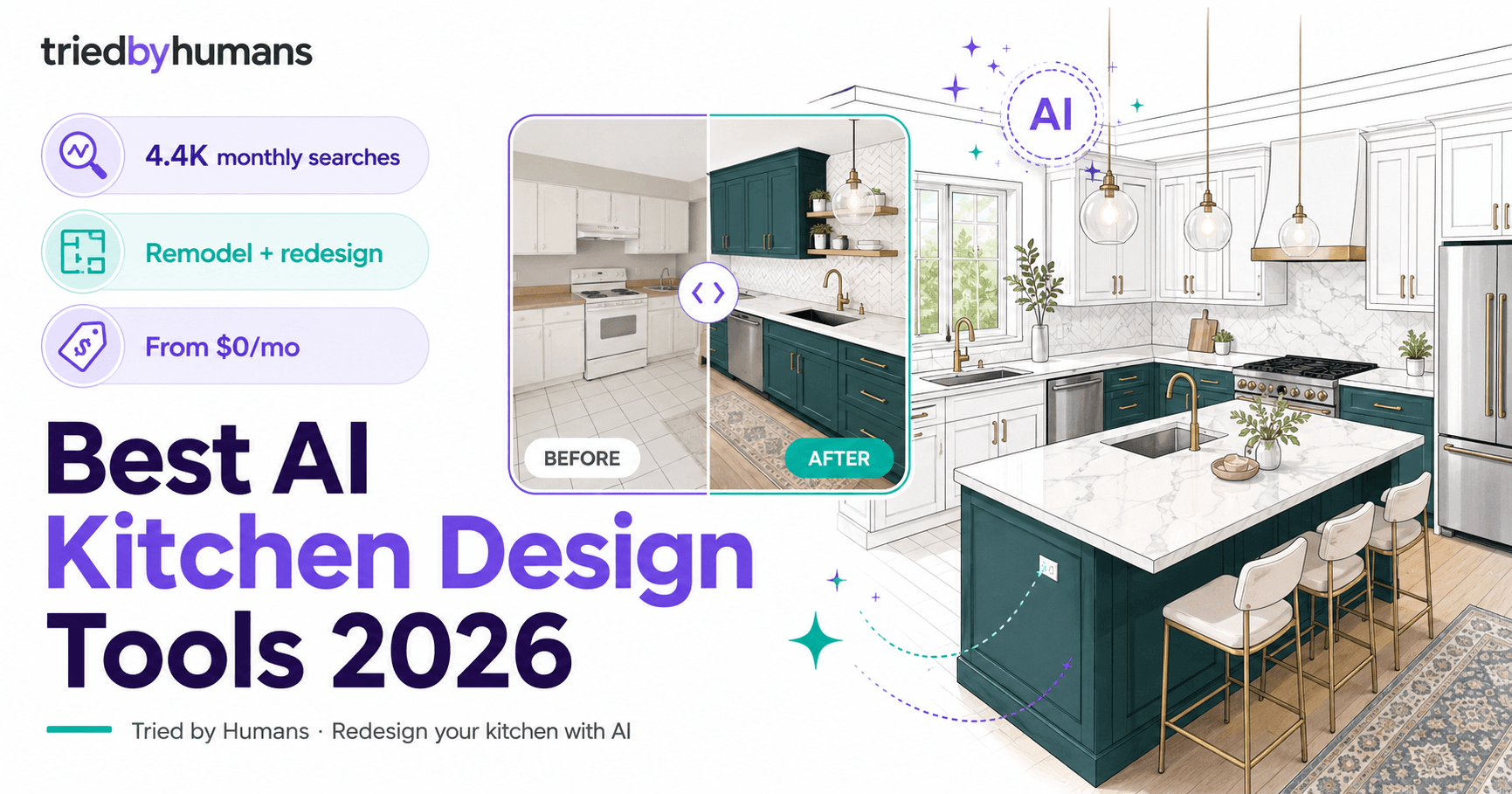







HomeDesigns AI leads AI kitchen design for producing the most reliable kitchen redesign output across cabinet styles, countertop materials, and backsplash options. In our testing on 6 kitchen layouts (3 galley, 2 L-shaped, 1 open-plan), the kitchen module handled cabinetry visualization more consistently than any other photo-based tool — producing distinct results for Shaker, flat-panel, and traditional raised-panel cabinet styles. The renovation module is particularly useful for kitchen planning: upload your current kitchen photo and generate before/after concepts for specific changes (new countertops, different cabinet color, new backsplash) rather than a full redesign. Free plan gives 3 daily credits across all modules including kitchen. $19 one-time Pro upgrade provides unlimited kitchen designs.
Pros
- Kitchen module handles cabinet styles, countertop materials, and backsplash accurately
- Renovation module generates specific before/after concepts for kitchen changes
- 3 free daily credits include kitchen design — no credit card required
- $19 one-time Pro upgrade vs monthly subscription competitors
Cons
- Photo-based — cannot configure exact appliance placement or cabinet dimensions
- 3 free credits/day insufficient for intensive style exploration sessions


